Windows
- Open My Start Page and right-click the ZIP.
- Choose Extract All…. If you don’t see it, try Show more options.
- Click Browse, select Desktop → My Start Page, and click Extract.
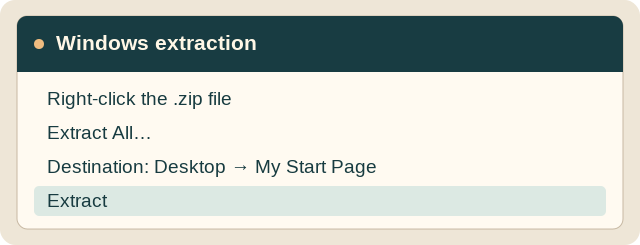
Follow these steps on a desktop or laptop. The pictures are simplified examples. Your ZIP or extracted folder may have your edition’s name.
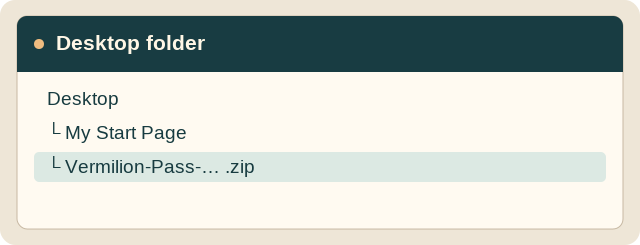
A ZIP is a package of files. Unzipping it creates regular files that your browser can open together.
index.html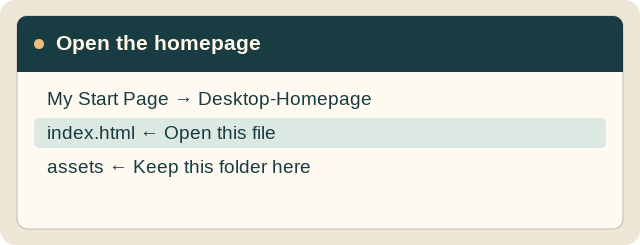
With your CoveScapes page open, click the address bar at the top of the browser or press Ctrl + L on Windows or Command + L on Mac. Copy the entire address with Ctrl + C or Command + C. It normally starts with file:/// and ends with index.html.
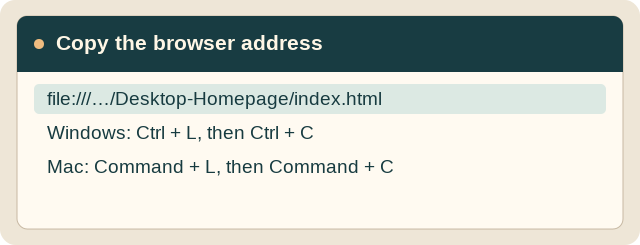
Open settings inside the browser you use. Paste the copied address with Ctrl + V on Windows or Command + V on Mac. A Home button opens your homepage on demand. A startup page opens when you launch the browser.
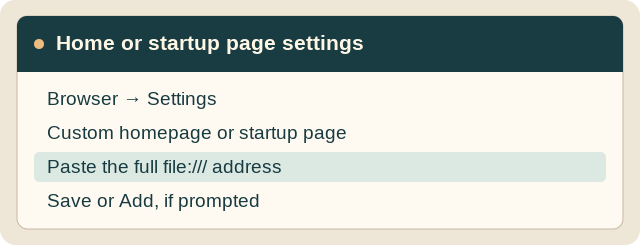
Startup: ⋮ → Settings → On startup → Open a specific page or set of pages → Add a new page. Paste the address and select Add. For the Home button, go to Appearance, turn on Show Home button, and use the custom address option.
Chrome Help… → Settings → Start, home, and new tabs. Under When Edge starts, choose Open these pages and add the address. For one-click access, set the custom address under Home button and turn on the button if needed.
Microsoft Edge Support☰ → Settings → Home. Under Homepage and new windows, choose Custom URLs and paste the address. If only your CoveScapes tab is open, you can also choose Use Current Page where available.
Firefox HelpSafari → Settings → General. Paste the address into Homepage or select Set to Current Page while your CoveScapes tab is open. Choose Homepage for New windows open with if you want it in new windows.
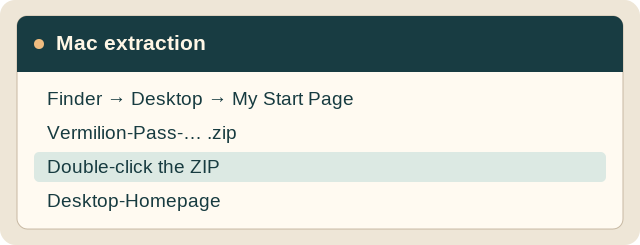
Safari SupportTry it: Click your browser’s Home button or fully quit and reopen it if you configured startup. If your browser rejects the local address or restores your old tabs, open the file from Desktop → My Start Page → Desktop-Homepage. On Windows you can right-click index.html and use Show more options → Send to → Desktop (create shortcut) where available. On Mac, right-click and choose Make Alias, then move the alias to your desktop. Keep the original files in their folder.
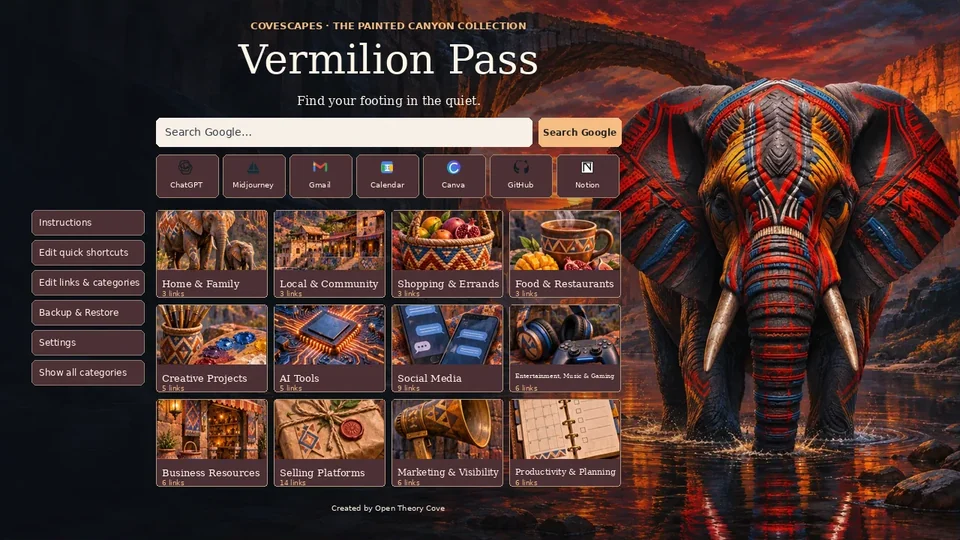
If artwork or buttons are missing, unzip the full package again and open the index.html beside the assets folder. Google searches and external websites require internet access.