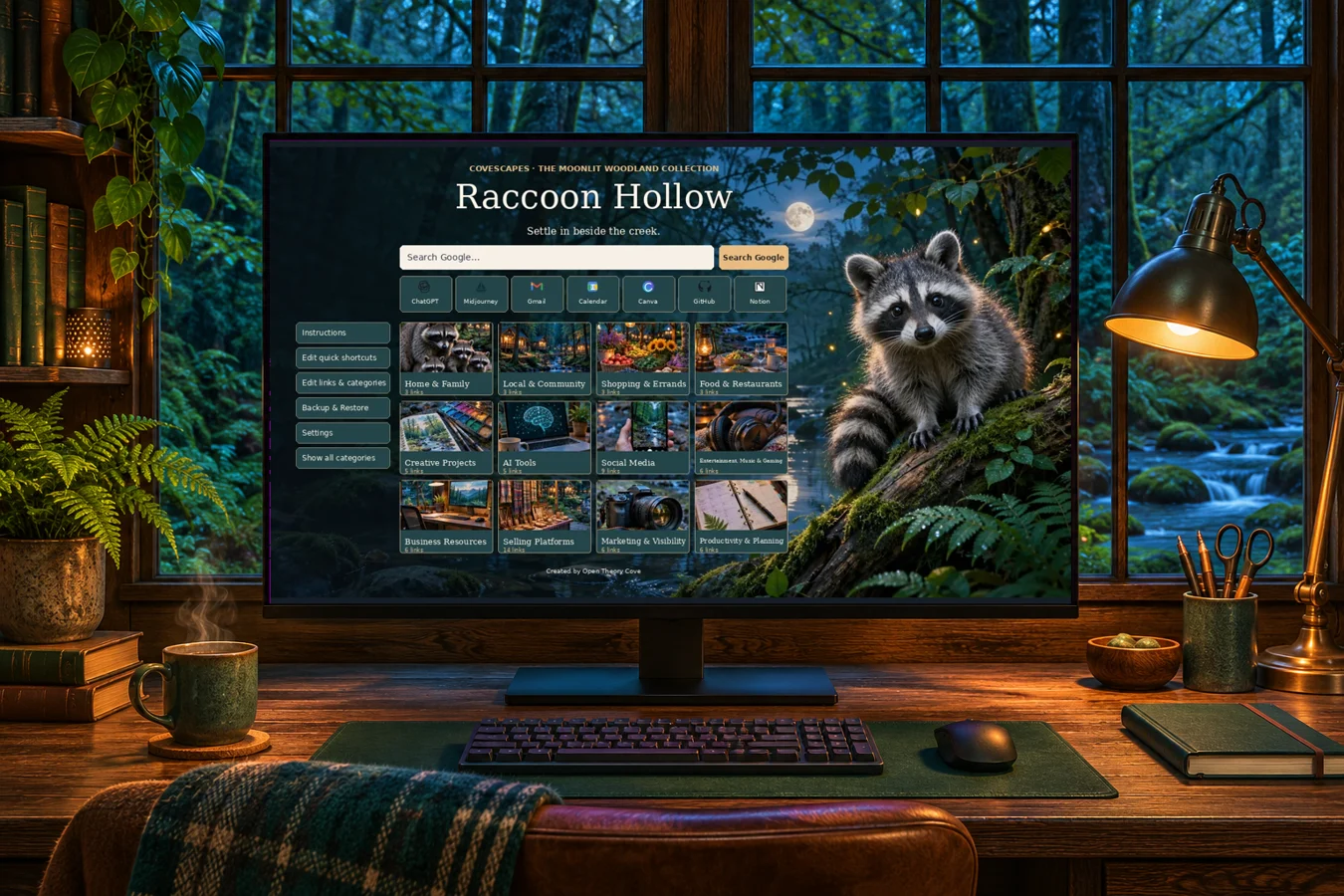
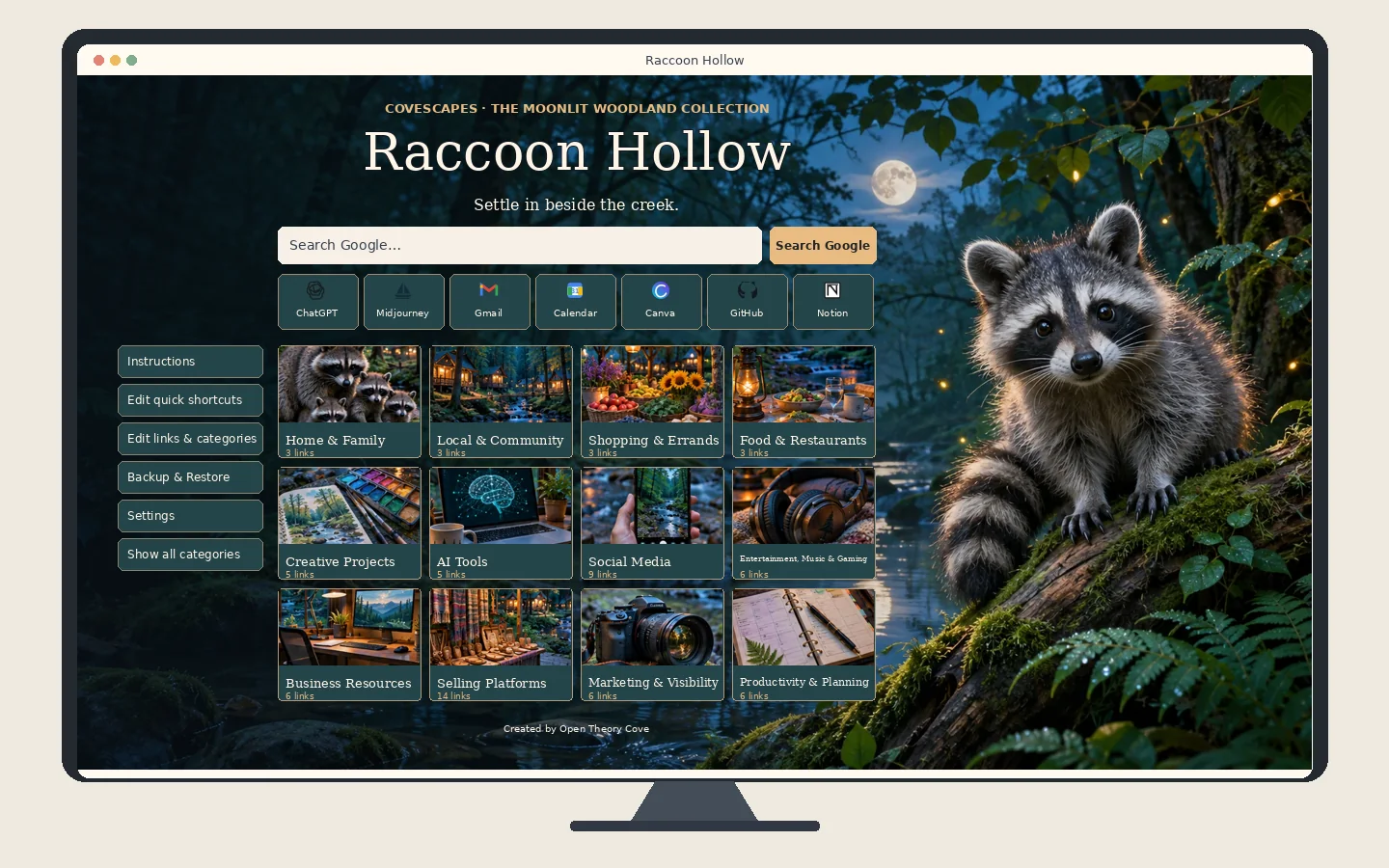
A curious raccoon peeks over a mossy log beside a woodland creek at blue hour. Keep the sites you reach for every day together, from your email and calendar to your shop dashboard and creative tools.
28 illustrated categories, with 12 shown at first
Seven editable quick shortcuts and Google search
Editable collection name, title and quote, plus JSON backup and restore
Raccoon Hollow on a monitor in a woodland cabin workspace.
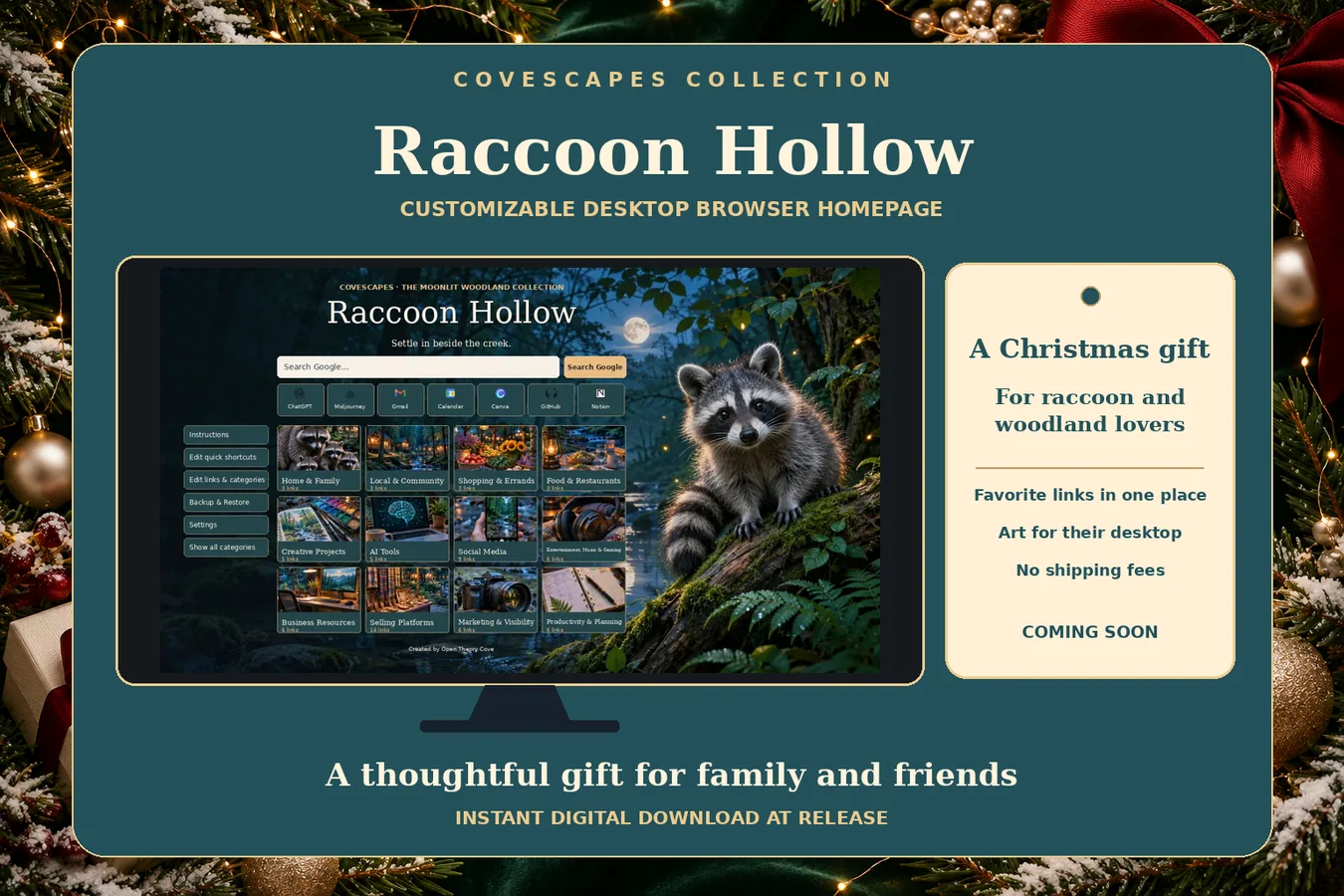
Desktop homepageChristmas gift preview
What can you use it for?
Run your business
Group your storefront, site admin, order dashboard, and shipping tools. Open them as orders come in without leaving them up all day.
Create and publish
Give design apps, image libraries, project boards, and reference sites a place of their own so you can move from idea to finished work.
Manage social media
Keep your profiles, scheduler, and analytics together. Start with the tool you need and return to your homepage when you’re done.
Set up a work session
Put the sites you open first in your quick shortcuts. Group the rest by task so an order dashboard, a design tool, and a social account each have a place to go.
Change the artwork, keep your links
Export a JSON backup before switching to another compatible CoveScapes edition. Restore it in the new design to bring your shortcuts and categories with you.
Frequently asked questions
What comes in the download?
A customizable desktop browser homepage, illustrated categories, and setup instructions, packaged as a ZIP.
How do I set it up?
Extract the ZIP and open Desktop-Homepage/index.html in your desktop or laptop browser. Keep the assets beside the HTML file. Follow the illustrated setup guide.
Can I give it as a Christmas gift?
Yes. Once it’s released, it will be an instant digital download with no shipping fees, so it’s easy to send to family or friends out of state, even at the last minute.
Extract the ZIP completely and open index.html from the extracted desktop homepage folder in Chrome, Edge, or Firefox. Keep assets beside index.html.
Open it when your browser starts
In Chrome, go to Settings → On startup → Open a specific page or set of pages. In Edge, go to Settings → Start, home, and new tabs → When Edge starts. In Firefox, go to Settings → Home → Homepage and new windows → Custom URLs. Use the local page address where your browser accepts it. If it rejects the address, open the HTML file directly from a desktop shortcut. Replacing the new-tab page may require an extension.
Edit shortcuts
Use the quick-shortcut editor to change each name, address, and icon. In editions with the current editor, you can add up to 10 entries, reorder or delete them, or leave the list empty.
Organize categories and links
Use Edit links & categories to add, rename, reorder, hide, or delete categories where supported. Open a category’s website editor to add, search, edit, move, or delete links. If a deletion prompt appears for a populated category, choose how to handle its links.
Personalize the page
Use Settings to edit the title and other available header text. Hidden categories retain their links. Where available, Show all categories temporarily displays the whole collection.
Back up and restore
Open Backup & Restore and download a JSON backup. Save it outside the homepage folder. To restore it, select the backup file in a compatible edition and confirm replacing the current settings.
Move to another computer
Copy the whole extracted folder and your backup, open the page on the new computer, and restore the backup. Changes typically stay in that browser’s local storage. Clearing browser data or changing browsers can reset the page.
Use it offline
Local artwork, menus, editing, backups, and the clock where included work offline. Google searches and external links require internet access.
About this edition
Part of the CoveScapes Collection by Open Theory Cove. Digital download for personal use.